
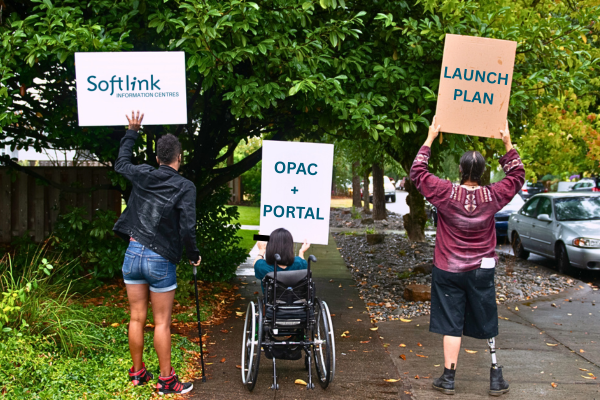
Previously, we took you through the six important stages to help you plan a successful rollout of your new OPAC in the “Avoid the ‘What Happened to the Catalogue?’ Moment: Your OPAC Launch Plan” blog post.
Now, we’ll walk you through six important stages for a successful system rollout that includes setting up the staff administration portal to help you get ready to support staff, streamline workflows, and launch your system with confidence.
1. Understand What's New
Before you can promote your new system, your team needs to know what’s different and why it matters:
- What key features and benefits will staff notice first? Cleaner portal layout, better admin tools and improved connection to OPAC?
- And how does it improve their experience? Are workflows more streamlined? Are search results faster?
- And do staff understand how and why these features are different compared to their old system?
This isn’t just about learning the features and benefits – it’s about being able to answer the inevitable question from staff and users: How do I ‘borrow and return’ in the portal and ‘find my loans’ in the OPAC? When your team understands what’s new, they can spend more time optimizing the system and supporting users, and not reading the release notes.
2. System Setup
When setting up a new public library management system, it’s important that staff only have access to both back and front ends of the system, but also how to access setup support by:
- Checking they have secure access to the administration portal (backend) and OPAC (frontend)
- Browser is updated for optimised system usage
- Knowing who their internal project lead or support contact is for their organisation
- Knowing they can contact the system providers and how
This way, staff feel assured that all aspects of the system are set up correctly and securely, to minimise friction when rolling out to users and throughout ongoing management of their environment.
3. Training and Walkthroughs
A great system rollout makes users feel like they’re getting an upgrade, not a steep learning curve. Preparing training resources in advance and offering walkthroughs helps reduce confusion and builds trust.
Again, a quick checklist:
- I’ve completed a staff walkthrough or training session
- I have access to a staff cheat sheet or quick-start guide from my organisation
- I’ve had the opportunity to ask questions about the rollout
When completing this checklist, focus on what users will gain through the prepared training and walkthroughs, not just what’s changed. This way, you can ensure a smooth transition between systems.
4. Internal Communication
Effective internal communication before (and after) go-live is essential – not just for practical guidance, but for reassurance. The four main points to communicate internally are:
- I’ve seen internal emails or updates about the rollout timeline
- I know the key messages being shared with staff
- I understand what’s expected of me before and after go-live
- I know how to escalate questions or issues
Share these updates through your public library’s intranet or other internal communication channels to ensure all staff are aware of each stage of the rollout process. After go-live, be sure to communicate with users for feedback.
5. Post-Launch Support
The first few weeks post-launch is your opportunity to gather staff and user feedback, spot gaps, streamline internal workflows, and continue developing momentum.
That means:
- I know how to contact support if I need help
- I’m aware of the internal contact for post-launch queries
- I know where to log feedback or report problems
- I understand how success will be measured (e.g. feedback, task completion, efficiency improvements)
Even the most comprehensive system launch can come with a few speed bumps. The goal is to have the resources and capabilities to respond quickly and make sure users feel supported throughout the rollout.
Bonus Tip: Start Early
Remember to start preparing the system rollout early and ensure consistent internal communications before go-live and offer user support post-launch. The earlier your team understand what’s coming, the more likely they are to lead the change – not just manage it. And users will embrace the public library system far more readily.
Ready for What’s Next?
Want to see behind the scenes how a system operates? With librarian workflows in mind, Astria is designed to pair with Montage to create a complete public library experience, know as the Aurora product suite. From powerful back-end management to an engaging public discovery interface, it’d be a missed opportunity to not contact Softlink IC today to see how to get the most of our suite.